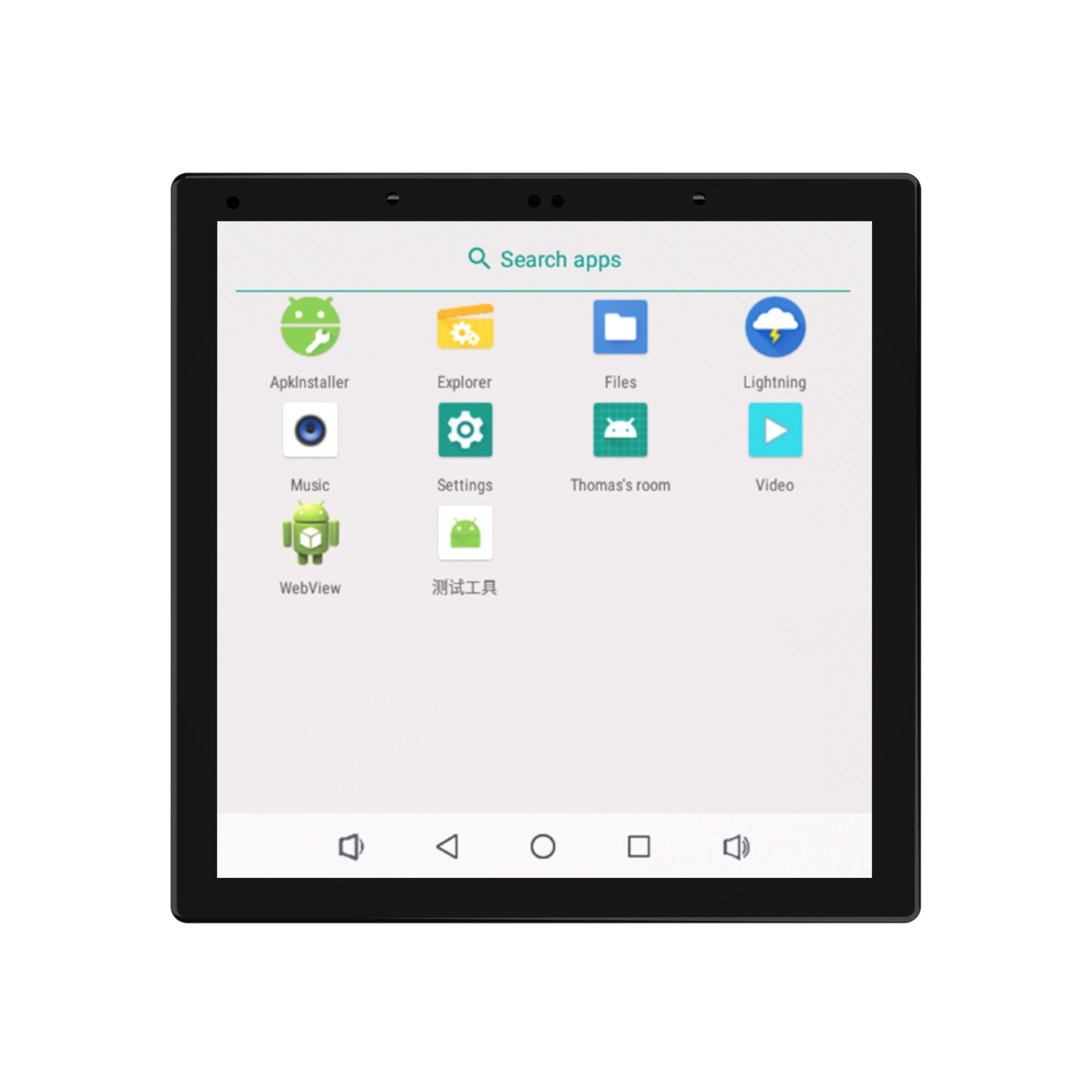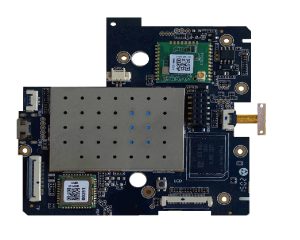
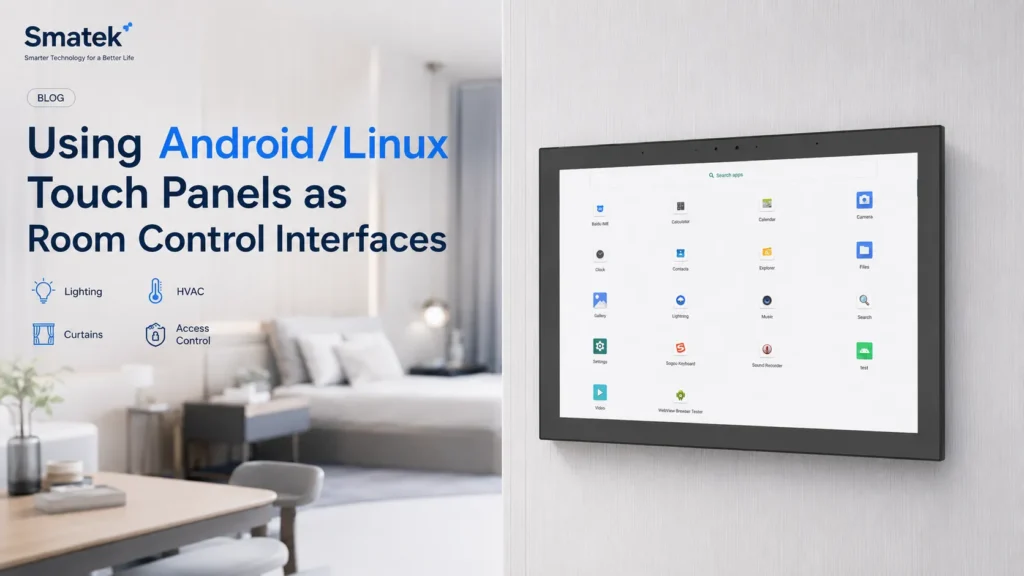
A wall-mounted touch panel is often used as a fixed control point inside a room. Unlike a mobile app, it stays in one location, can be shared by different users, and can provide direct access to the most common room functions.
For smart home, hotel, apartment, and building automation projects, Android and Linux touch panels can serve as flexible room control interfaces. They can run customer-developed applications, display local dashboards, connect with third-party systems, or provide a dedicated interface for lighting, HVAC, curtains, scenes, access control, and other room-level functions.
This article explains how Android and Linux wall-mounted touch panel platforms can be used in room control applications and what product teams should consider before choosing a platform direction.
Why Room Control Interfaces Still Matter
Mobile apps are important in many smart home and building automation systems. They allow users to control devices remotely, receive notifications, and manage settings from a personal device.
However, the mobile app is not always the most practical interface inside a room.
A wall-mounted touch panel provides a shared and always-available control point. Users do not need to unlock a phone, open an app, or search for the right device. In a hotel room, apartment, meeting room, or family living space, a fixed panel can make daily control easier and more consistent.
Typical advantages of a room control interface include:
- Shared access for residents, guests, staff, or visitors
- Fixed location near the room entrance, bedside, or main control area
- Quick access to frequently used functions
- Clear visual status for room devices and scenes
- Better consistency for hotels, apartments, and commercial spaces
- A dedicated interface that is not dependent on a personal phone
For product teams, the wall-mounted panel is not only a screen. It becomes the physical access point for the customer’s software, control logic, and room experience.
Typical Room Control Functions
Room control interfaces are usually designed around daily functions that users need frequently.
Common control functions may include:
- Lighting control
- Dimming and color temperature adjustment
- Curtain or blind control
- HVAC and air conditioning control
- Fresh-air system control
- Floor heating control
- Scene control
- Door access or intercom-related interaction
- Security or alarm status
- Device status display
- Energy or environment information
- Third-party app or web dashboard access
The exact function set depends on the project type. A hotel room panel may focus on lighting, curtains, HVAC, scenes, and service functions. A residential smart home panel may focus on whole-home device control and scene interaction. A commercial or apartment project may require access control, room scheduling, or building automation dashboard functions.
This is why the hardware platform needs to support the customer’s software direction rather than forcing every project into one fixed interface.
Android Touch Panels for Room Control
Android touch panels are commonly used when customers need a rich graphical interface, APK deployment, third-party application support, or a more app-like user experience.
For room control projects, Android can be suitable when the customer already has an Android application or wants to build a UI with flexible interaction, animations, device pages, scene pages, cloud connection, or multimedia-related functions.
Typical Android-based room control directions include:
- Customer-developed APK
- Smart home control application
- Hotel room control application
- Building automation dashboard
- WebView-based interface
- Third-party app deployment
- Local control and cloud-connected functions
- Customized launcher or boot-to-app behavior
Android is often attractive because many development teams are already familiar with Android application development. It can also support a more visual and flexible user interface compared with simpler embedded display systems.
However, product teams should also consider system maintenance, long-term software updates, app stability, boot behavior, and whether the final product needs a locked-down interface or a more open application environment.
Linux Touch Panels for Room Control
Linux touch panels are often considered when the project requires a more controlled and dedicated system environment.
Compared with Android, Linux may be more suitable for projects where the customer wants a lightweight interface, a dedicated application layer, faster system customization, or closer control over the software stack. It can also be a practical direction for customers building their own embedded interface, web interface, or local control application.
Typical Linux-based room control directions include:
- Dedicated room-control UI
- Web-based dashboard
- Customer-developed application
- Lightweight local interface
- Embedded control interface
- Building automation visualization
- Linux-based system integration
Linux does not always provide the same ready application ecosystem as Android, but it can give customers more control over the runtime environment. For customers with their own software team and clear system architecture, Linux can be a strong platform direction.
The choice between Android and Linux usually depends on the customer’s software resources, UI complexity, ecosystem requirements, update strategy, and product lifecycle expectations.
Integration Methods for Room Control Projects
A room control panel usually needs to communicate with other systems or devices. The integration method depends on the customer’s architecture.
Common integration directions may include:
- Ethernet
- PoE
- Wi-Fi
- Bluetooth
- RS485
- KNX
- Zigbee
- Relay or dry contact
- Local API
- MQTT or other message-based communication
- Web dashboard or cloud-connected application
For example, a hotel control project may use RS485 or relay functions for local room devices. A smart home project may rely more on Wi-Fi, Zigbee, or cloud-connected device control. A building automation project may use Ethernet, KNX, or a local server-based architecture.
Before choosing a hardware platform, it is important to clarify whether the panel mainly acts as a display terminal, a local controller, a gateway, or a system interface. These roles may require different hardware interfaces, software support, and power architecture.
Project-Level Considerations
When evaluating an Android or Linux touch panel for room control, product teams should consider more than the screen size.
Important project-level questions include:
- What software will run on the panel?
- Is the project based on Android, Linux, web UI, or a dedicated application?
- Does the panel need PoE, DC input, or AC power?
- Will the panel connect through Ethernet, Wi-Fi, RS485, KNX, Zigbee, or other interfaces?
- Does the project require relay output or dry contact support?
- What installation box or mounting method is required?
- Is the panel used in residential, hotel, apartment, office, or commercial building projects?
- Will the customer need a standard housing or customized mechanical design?
- What certification requirements apply to the target market?
- How will firmware updates and software maintenance be handled?
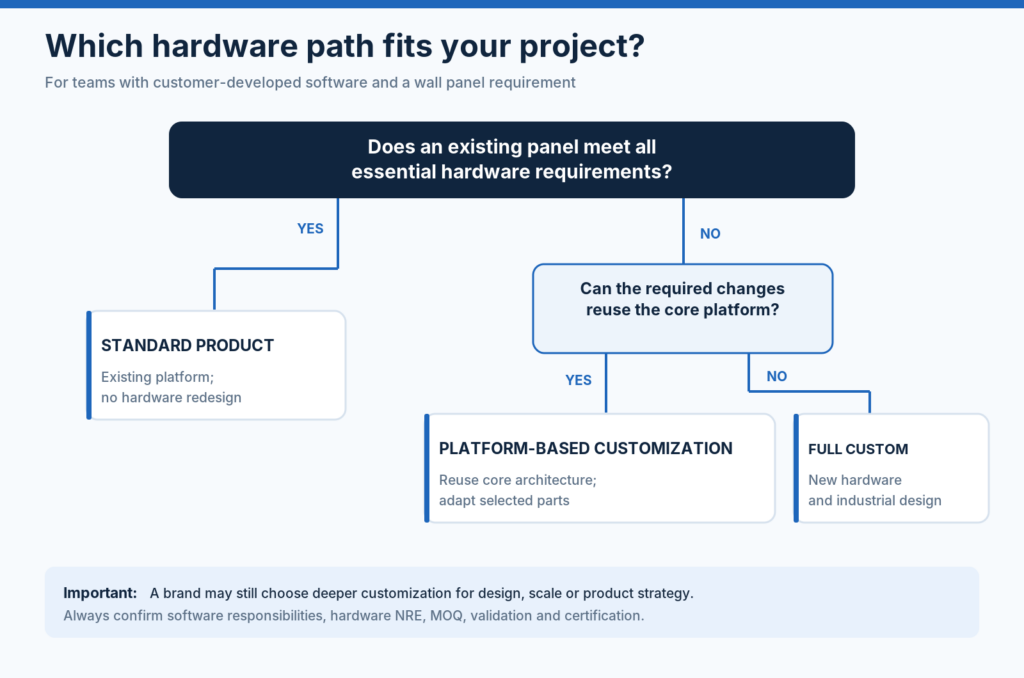
These questions help define whether a standard platform is enough or whether project-specific customization is needed.
Hardware Platform vs Finished End Product
For many customers, the wall-mounted touch panel is not a finished product by itself. It is part of their own solution.
The customer may already have:
- Their own app
- Their own UI design
- Their own cloud platform
- Their own device ecosystem
- Their own control logic
- Their own installation standard
- Their own brand and product roadmap
In this case, the hardware platform should provide a stable base for the customer’s system instead of replacing the customer’s product identity.
This is where an open Android or Linux touch panel platform can be useful. Smatek provides the hardware base, operating system direction, interfaces, and customization support, while the customer keeps control of the software, UI, ecosystem logic, and final user experience.
How Smatek Supports Room Control Interface Projects
Smatek provides wall-mounted Android and Linux touch panel platforms that can be used as starting points for room control interface projects.
Depending on the project direction, Smatek can support different screen sizes, power options, interface configurations, installation structures, and system preparation requirements. Customers can start from a standard platform and then evaluate whether selected customization is needed.
Typical support directions may include:
- Android or Linux platform selection
- PoE, DC, or AC power direction
- Ethernet, Wi-Fi, Bluetooth, RS485, relay, or other interface options
- APK pre-installation or system image preparation
- Boot-to-app or customized launcher direction
- Housing, color, logo, and installation structure discussion
- Documentation and production preparation
- OEM/ODM customization based on project requirements
For product brands, system integrators, and automation solution providers, the goal is to choose a hardware platform that can support the intended software and room-control experience in a practical and scalable way.
After defining the room control application and integration requirements, customers can further review Smatek’s Android / Linux control panels, KNX touch panels, Tuya / Smart Life panel options, and OEM/ODM solution directions for more detailed platform selection.