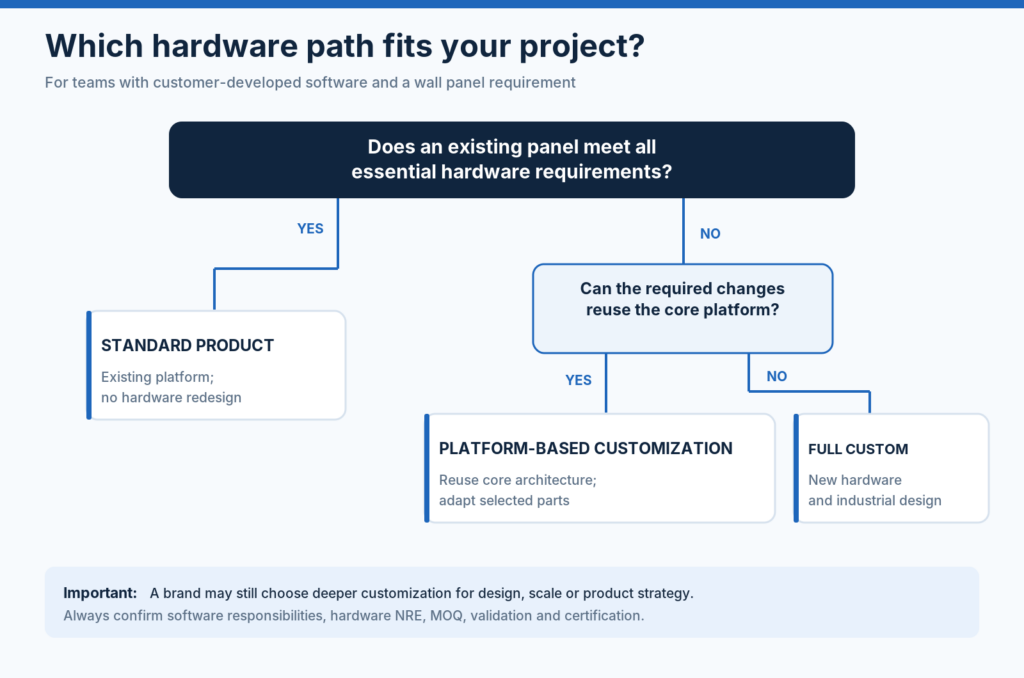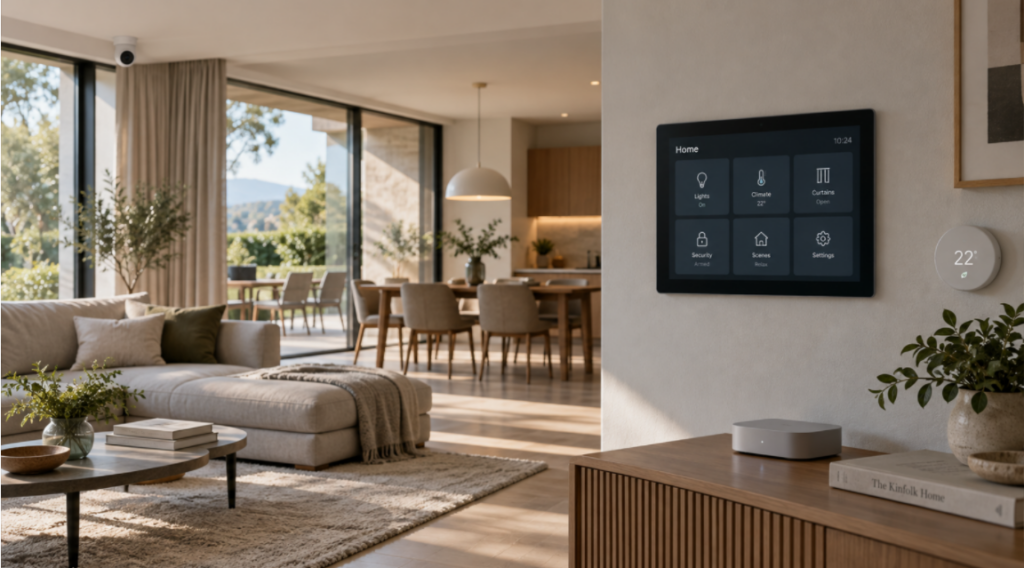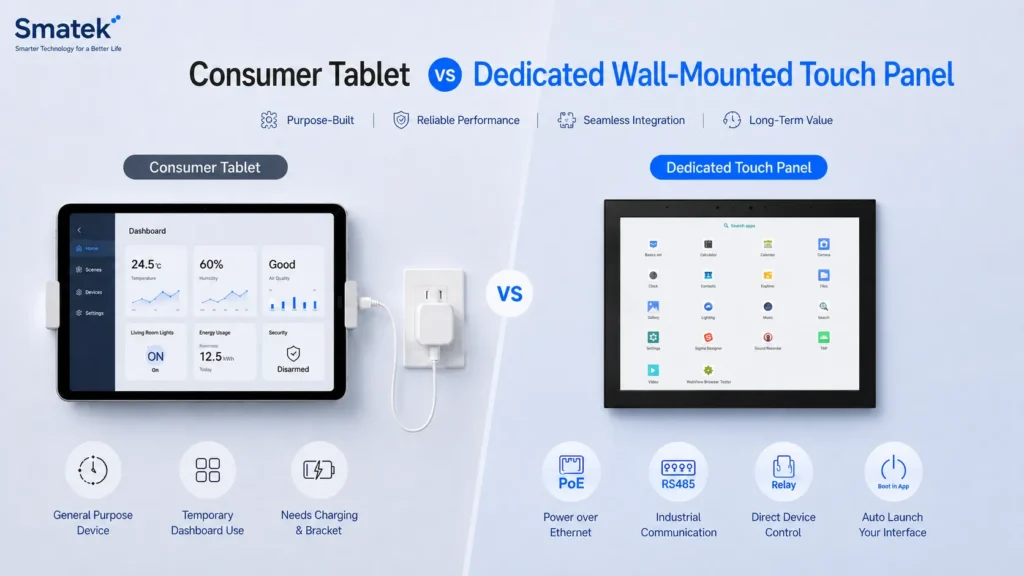
Android and Linux are both common operating system directions for wall-mounted touch panels used in smart home, hotel, apartment, and building automation projects. However, they are not suitable for exactly the same type of product.
For product teams, the choice is rarely just about which system is “better.” A more practical question is: which platform direction better matches the customer’s software, UI, integration method, maintenance plan, and long-term product roadmap?
This article compares Android and Linux touch panel platforms from a project perspective and explains how customers can evaluate the right direction before selecting a hardware platform.
Why the Operating System Direction Matters
The operating system affects much more than the user interface. It can influence application development, boot behavior, system updates, interface support, security strategy, certification planning, and production preparation.
For a wall-mounted touch panel, the operating system may determine:
- How the customer application is deployed
- Whether APKs or Linux applications are used
- Whether the interface is app-based, web-based, or dedicated
- How the system starts after power-on
- How updates are handled
- How stable and controlled the runtime environment needs to be
- What development resources the customer already has
- How the product will be maintained over its lifecycle
This is why the OS direction should be discussed early in a project, before only comparing screen size, processor, memory, or housing design.
When Android Is a Better Fit
Android is often a practical choice when the customer needs an application-based interface or already has an Android development direction.
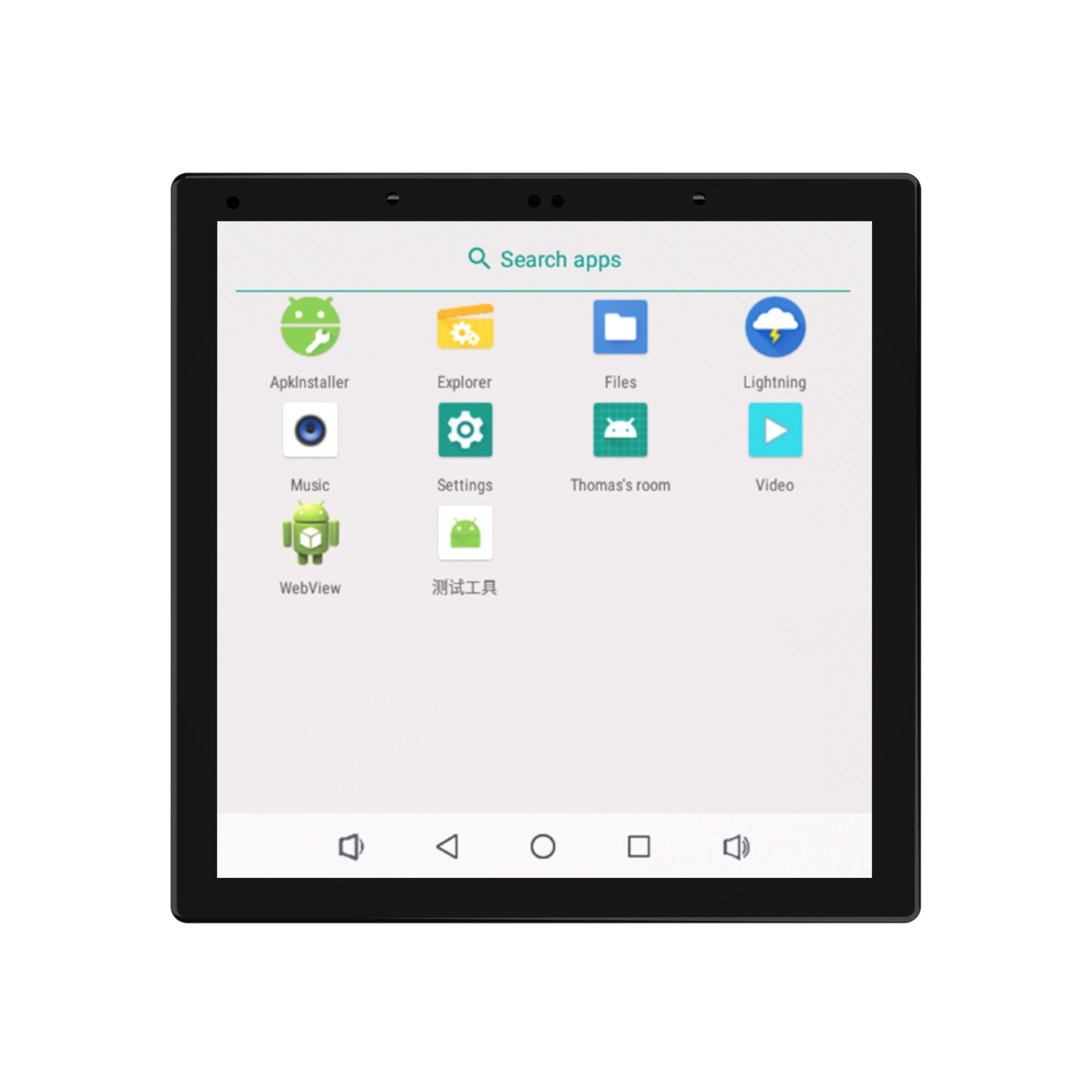
For many smart home and building automation brands, Android provides a familiar environment for developing touch-based interfaces, deploying APKs, integrating cloud services, and building a rich user experience. It can also support third-party applications or WebView-based interfaces depending on the project.
Android may be suitable when the project requires:
- Customer-developed APK deployment
- A rich graphical UI
- App-like interaction
- WebView-based dashboards
- Third-party app integration
- Cloud-connected control applications
- Customized launcher or boot-to-app behavior
- Familiar development environment for the customer’s software team
For example, if a product brand already has an Android application for smart home control, using an Android wall-mounted panel can reduce software adaptation work. The customer can focus on optimizing the UI for a fixed screen and wall-mounted usage instead of rebuilding the full application environment.
Android can also be useful when the panel needs to support multiple application layers, visual dashboards, multimedia-related functions, or a more flexible user interface.
However, Android projects should also consider system maintenance, app stability, startup behavior, long-term OS support, and how much control the final product needs over the user environment.
When Linux Is a Better Fit
Linux is often considered when the customer wants a more dedicated, controlled, or lightweight system environment.
Compared with Android, Linux may be more suitable for projects where the panel runs a dedicated interface, web dashboard, embedded application, or customer-developed control environment. It can provide a more controlled runtime and may be preferred by customers with stronger embedded software capability.
Linux may be suitable when the project requires:
- A dedicated room-control interface
- A web-based dashboard
- A lightweight application layer
- A controlled system environment
- Customer-developed embedded software
- Local interface and system integration
- A more locked-down product experience
- A customized software stack
For example, a building automation company may not need a general Android application environment. Instead, it may want the panel to boot directly into a dedicated local interface or web-based control page. In this case, Linux can be a practical platform direction.
Linux can also be attractive when the customer wants closer control over system behavior, background services, startup flow, network configuration, and interface integration.
The trade-off is that Linux projects usually require clearer software architecture and stronger customer-side development resources. It may not be the best choice if the customer mainly wants to deploy an existing Android app with minimal software adaptation.
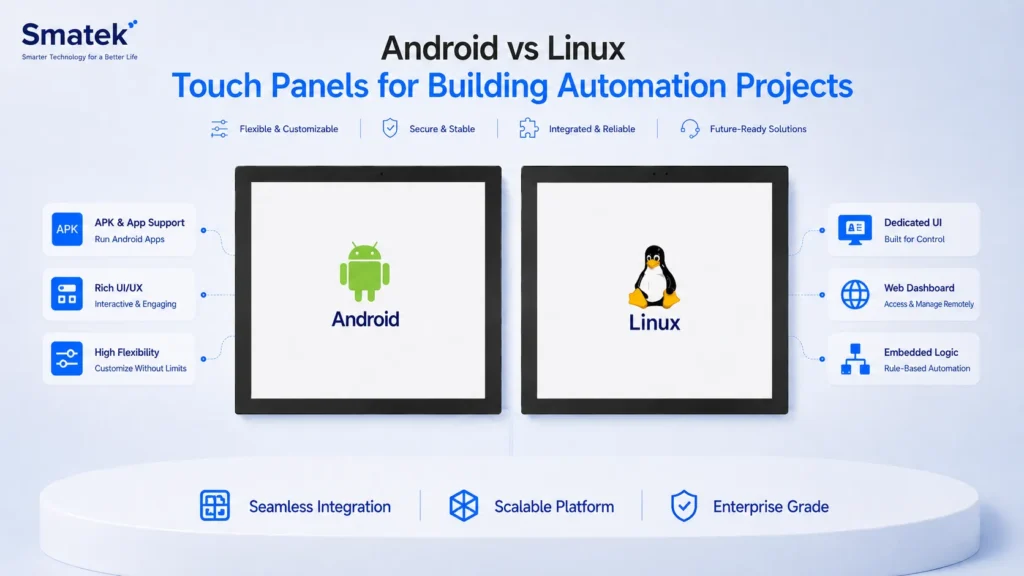
Android vs Linux: Key Differences
The table below summarizes several common differences from a project selection perspective.
| Project Factor | Android Touch Panel | Linux Touch Panel |
|---|---|---|
| Application model | APK, launcher, WebView, app-based UI | Dedicated app, web dashboard, embedded UI |
| UI flexibility | Strong for rich graphical interfaces | Flexible, but depends more on customer development |
| Third-party app support | Usually easier | Usually limited or project-specific |
| System control | More open application environment | More controlled system environment |
| Customer software resources | Suitable for Android app teams | Suitable for embedded/Linux software teams |
| Boot behavior | Can support boot-to-app or custom launcher | Can be designed for dedicated startup flow |
| Maintenance | App and OS maintenance should be planned | System image and application maintenance should be planned |
| Typical use cases | Smart home apps, dashboards, rich control UI | Dedicated control panels, web UI, building automation interface |
This comparison is not absolute. The right direction depends on the customer’s system design and project priorities.
UI and User Experience Considerations
For wall-mounted control panels, the UI is not used in the same way as a mobile phone app.
A phone is personal. A wall-mounted touch panel is shared, fixed, and usually used for quick access to common functions. This affects UI design, screen layout, interaction logic, and how much information should be shown.
Android can be useful when customers need a more dynamic interface, visual pages, device lists, scenes, and cloud-connected features. Linux can be suitable when the interface is more dedicated, stable, and focused on a fixed set of room-control or building-control functions.
Product teams should consider:
- Whether the UI is simple or complex
- Whether the interface will be full-screen and locked down
- Whether the product needs multiple apps or one dedicated interface
- Whether the customer needs animations, media, or rich graphical effects
- Whether the panel should run a web dashboard or native application
- Whether the same UI must be deployed across multiple screen sizes
The OS decision should support the intended user experience, not force the customer to change the product concept.
Integration and Interface Requirements
A building automation or smart home control panel usually needs to connect with other systems.
Depending on the project, the panel may need Ethernet, PoE, Wi-Fi, Bluetooth, RS485, KNX, Zigbee, relay, dry contact, local API, cloud API, MQTT, or other integration methods.
The OS direction may affect how these interfaces are used at the software level.
For example:
- An Android panel may run a customer APK that communicates with cloud services, local devices, or third-party gateways.
- A Linux panel may run a dedicated application that communicates with a local server, web service, or building automation controller.
- A KNX-related project may require a specific hardware and software architecture depending on whether the customer uses ready-to-use software or develops its own KNX logic.
- A hotel or apartment project may require local interface support such as RS485, relay, dry contact, or Ethernet communication.
Before selecting Android or Linux, customers should clarify the full system architecture, not only the display requirement.
Maintenance and Lifecycle Considerations
Long-term maintenance is often overlooked during early project discussions.
For Android projects, customers should consider how their APK will be updated, whether the system needs OTA support, how the launcher behaves, and how the panel should be locked down for end users.
For Linux projects, customers should consider how the system image is maintained, how the application is updated, how dependencies are managed, and who is responsible for long-term software support.
Important questions include:
- Who maintains the application?
- Who controls the system image?
- How are updates delivered?
- Does the panel need to be locked to one interface?
- Is remote update required?
- How long does the product need to remain in production?
- Are there cybersecurity or compliance requirements?
- Does the customer need source code access, SDK, toolchain, or interface documentation?
These questions can have a bigger impact on the project than the initial hardware specification.
Cost and Customization Considerations
Android and Linux platforms may also lead to different cost and customization discussions.
A standard Android platform may be practical when the customer needs app deployment, rich UI, and faster software adaptation. A Linux direction may be considered when the customer wants a more dedicated system environment or has its own embedded software team.
Customization may involve:
- System image preparation
- APK pre-installation
- Boot-to-app behavior
- Launcher customization
- Driver support
- Interface documentation
- Hardware interface configuration
- Power architecture
- Housing and installation structure
- Production firmware flashing
The cost difference is not only about the OS. It depends on the processor platform, memory, storage, display size, interface requirements, mechanical design, certification path, and development workload.
How to Choose Between Android and Linux
A practical way to choose between Android and Linux is to start from the customer’s software and product model.
Android may be more suitable if:
- The customer already has an Android app
- The UI is app-based and visually rich
- Third-party app or WebView support is needed
- The software team is familiar with Android
- The project needs a flexible application environment
Linux may be more suitable if:
- The customer needs a dedicated interface
- The product should run in a more controlled system environment
- The UI is web-based or embedded
- The customer has Linux software capability
- The project requires a more customized system stack
For some projects, both directions may be technically possible. The final decision should be based on development resources, UI requirements, integration method, maintenance plan, cost target, and product lifecycle.
How Smatek Supports Both Platform Directions
Smatek supports wall-mounted touch panel platform directions based on Android and Linux, depending on the project requirements.
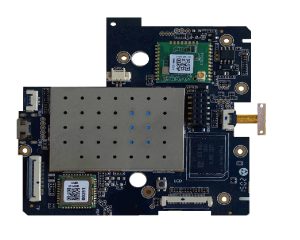
For customers with their own software, UI, cloud platform, or ecosystem logic, Smatek can provide the hardware platform, operating system base, interface support, and customization path. The customer keeps control of the application, user experience, and system logic.
Depending on the project, Smatek can help evaluate:
- Android or Linux platform direction
- Screen size and hardware performance
- PoE, DC, or AC power options
- Ethernet, Wi-Fi, Bluetooth, RS485, relay, or other interface requirements
- APK pre-installation or system image preparation
- Boot behavior and firmware configuration
- Housing, branding, and installation structure
- OEM/ODM customization scope
The goal is not to force one operating system direction, but to help customers identify the most practical hardware platform for their own application and product roadmap.
After defining the software and system direction, customers can further review Smatek’s Android / Linux control panels, KNX touch panels, Tuya / Smart Life panel options, and OEM/ODM solution directions for more detailed platform selection.