
Touch Panel Supplier Evaluation Framework
Shortlisting a touch panel manufacturer is easier when you test capability instead of reading it. This framework compares touch screen suppliers across seven dimensions — platform and operating system, size range, power architecture, installation base, wired interfaces, customization depth and quality process — then shows the platform facts that let you confirm each answer. The aim is a front panel that can genuinely be wired, mounted and supported in the building you are working on.
Four Kinds of Supplier Behind the Same Label
Every vendor on your shortlist calls itself a touch panel manufacturer. In practice the word covers four different businesses with four different limits. Decide which one you are talking to before you compare a single price.
Display-module assembler
Buys a finished panel and driver board, then builds them into a housing it did not design.
Best for: fast, low-volume rebrands. Limited by: no influence over the board, the power input or the mounting depth.
Ask: “Which mainboard sits inside this, and who wrote the schematic?”
Open-frame panel maker
Sells the display and the electronics, not the finished wall device.
Best for: integrators who build their own housing. Limited by: no wall box, no relay control, no front-design ownership.
Ask: “Who supplies the wall box and the front glass?”
Turnkey wall-panel manufacturer
Owns the platform, the enclosure and the installation base, and sells them as one configured device.
Best for: OEM programmes that need one design language across regions. Limited by: scope still has to be agreed model by model.
Ask: “Can the same front design ship with PoE / DC power and with AC mains power?”
Closed-ecosystem vendor
Panels that only operate inside one proprietary bus and one vendor's commissioning tool.
Best for: sites already committed to that ecosystem. Limited by: your own application, UI or cloud logic cannot run on the device.
Ask: “Can I install my own Android or Linux application on this panel?”
The Seven-Dimension Qualification Matrix
Seven questions, asked in this order, separate a platform owner from a reseller. The middle column is what you send; the right-hand column is what a defensible answer looks like.
| Dimension | Ask this | What a strong answer contains |
|---|---|---|
| 1. Platform & OS | Which operating systems do you ship, and who owns the UI and ecosystem logic? | Android and Linux platforms built for customer-developed applications, UI and ecosystem logic — so the software layer stays yours. |
| 2. Size range | Which display sizes can you produce from one design language? | A continuous ladder rather than a single hero size: 4, 6, 7, 8, 10 and 13-inch displays listed in the same platform family. |
| 3. Power architecture | Can the same front panel be specified with low-voltage and with mains power? | PoE / DC low-voltage platforms, AC 110–230 V versions with built-in relay control, and DC 9–24 V models — on the same front design. |
| 4. Installation standard | Which wall boxes do you support, and can the region change without a new face? | EU wall box, Asia 86×86 and US base options, plus a series listed with European, Asian and US installation-base choices. |
| 5. I/O & integration | Which wired interfaces are available on the exact model you quoted? | RS485 listed across several PoE / DC models, dual Ethernet listed on a DC 9–24 V model, and relay control on the AC versions. Configurations vary by model. |
| 6. Customization depth | How far past the enclosure does your engineering actually go? | Stated OEM / ODM support for changes to the mainboard, interfaces, wireless modules, power architecture and mechanical structure. |
| 7. Quality process | What can I review before production, and who notifies me when something changes? | A named engineering contact, sample-batch test records you can read, and a written route for engineering change notices on your account. |
Rows 2 to 5 are expanded below into the three decisions that most often delay a wall-panel project: how deep the customization goes, how the panel is powered, and which wall box it lands in.
Platform and Size Range You Can Actually Buy Today
The family spans 4, 6, 7, 8, 10 and 13-inch displays on Android or Linux. Four of the smaller platforms, shown below, are the ones most specified for room-level control.
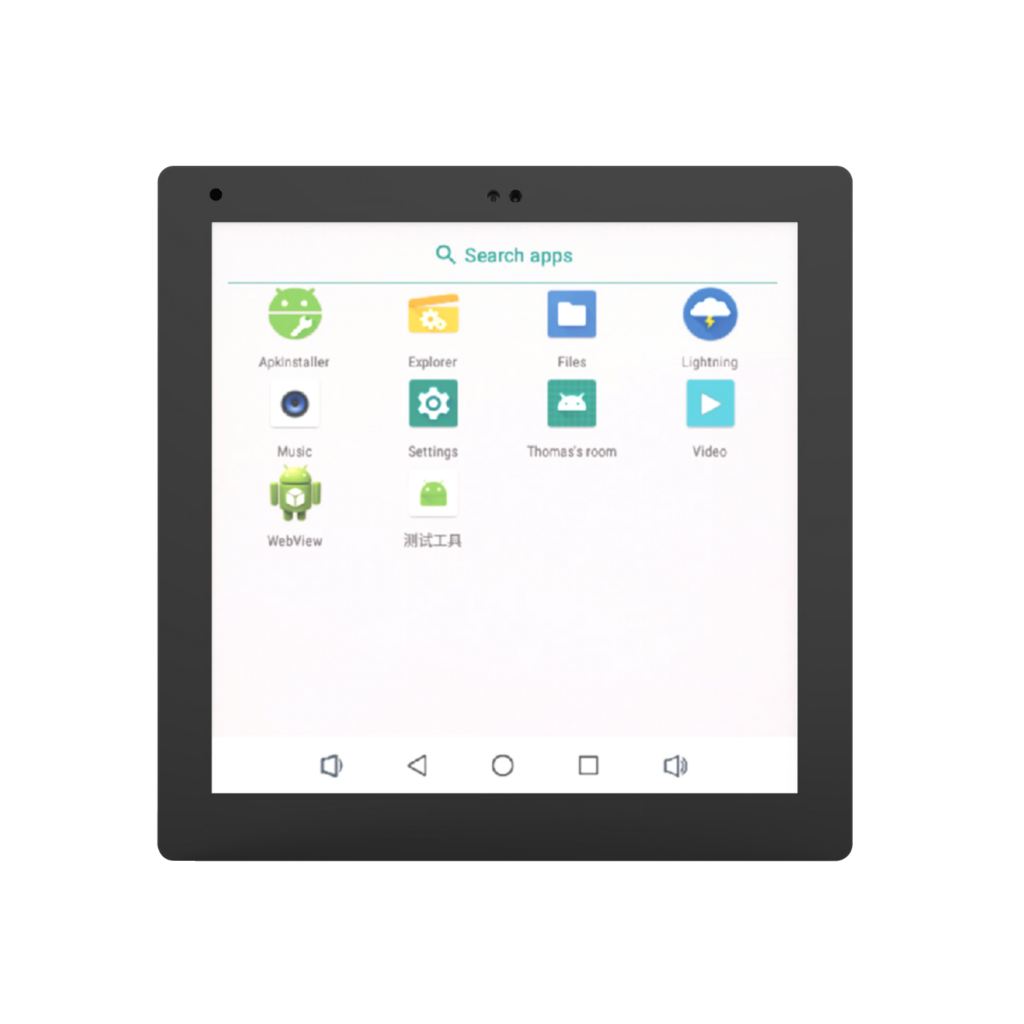
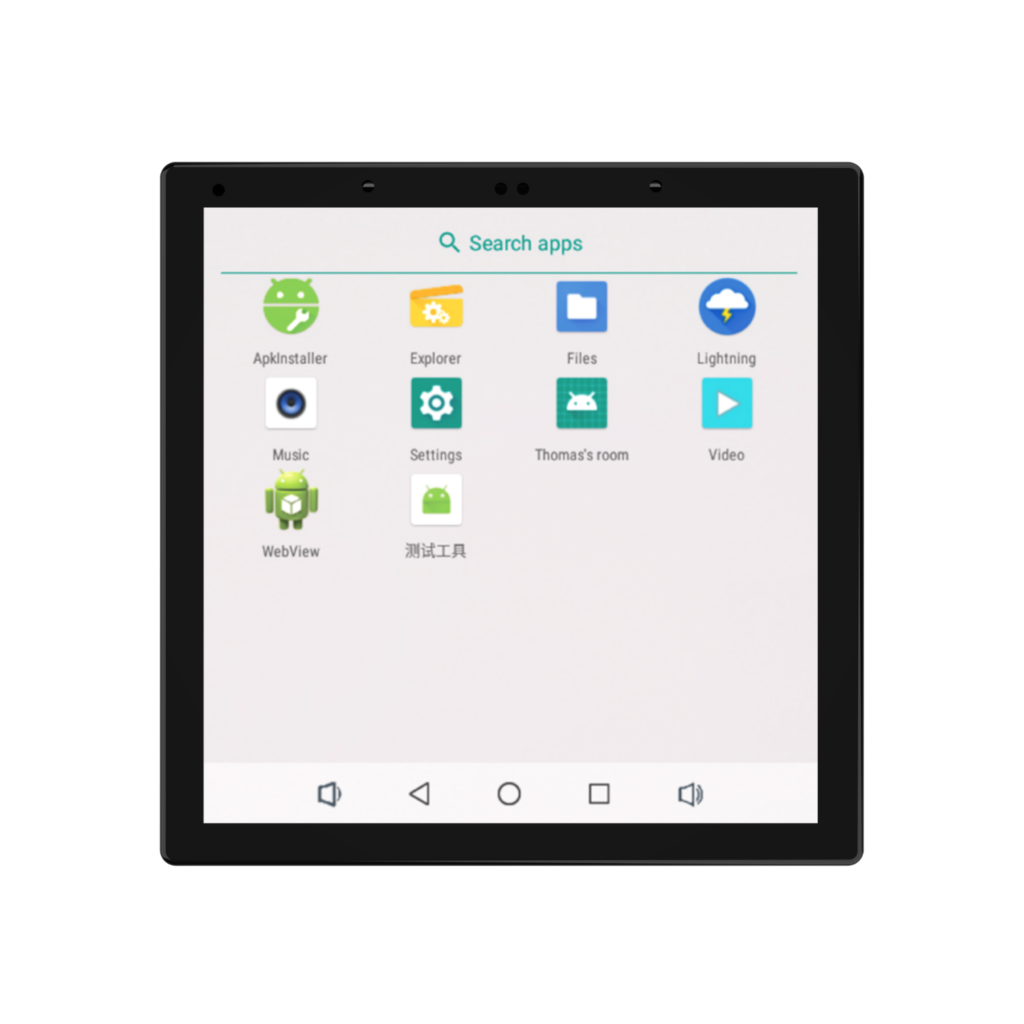
S6 Series & M4P
A compact platform listed with PoE / DC low-voltage power or AC mains power with built-in relay control. The M4P is designed for the EU market and European wall-box installation.
Choose it when: you need one cable or one mains feed per room and the panel only has to control that room.
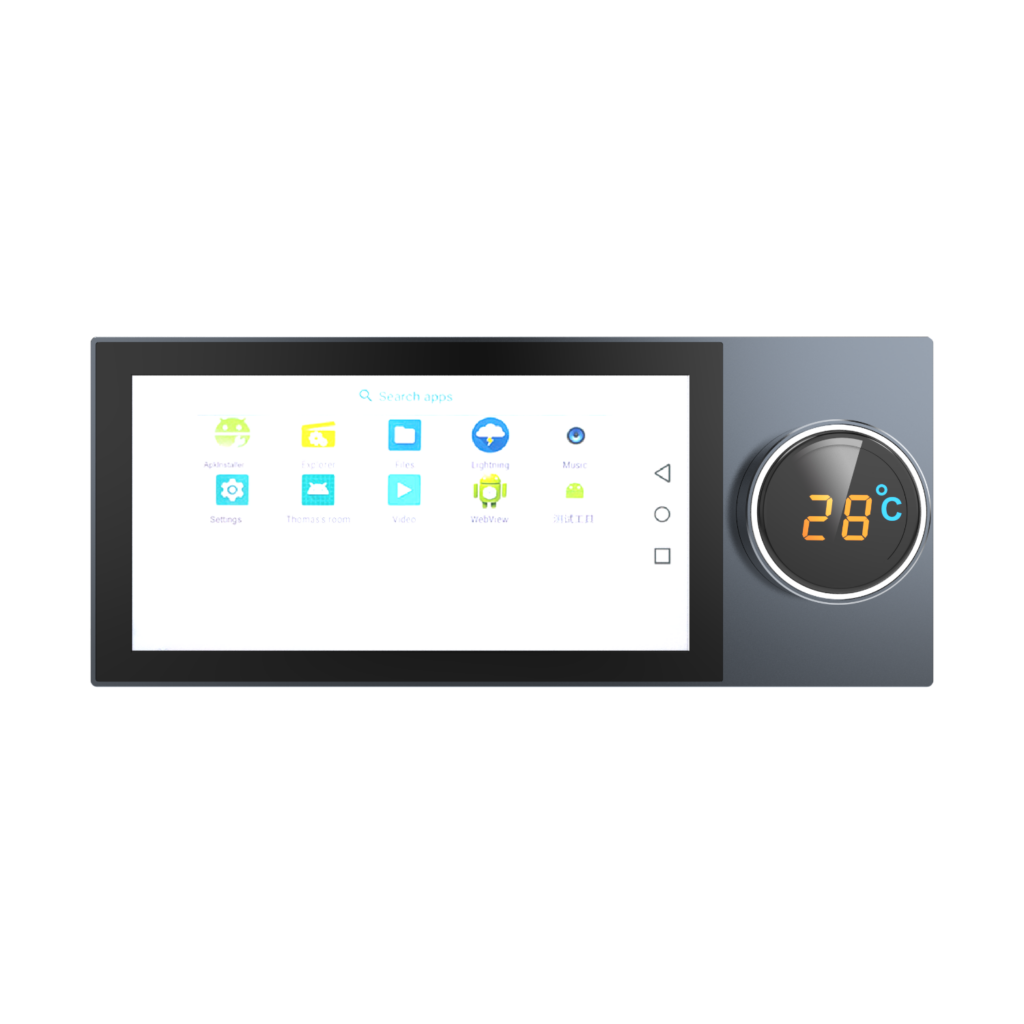
S8 Series
A 6-inch platform for room control built around a rotary-knob screen. The PoE / DC version adds RS485; the AC version carries a built-in relay and an Asia wall box.
Choose it when: users expect a physical dial next to the touchscreen.
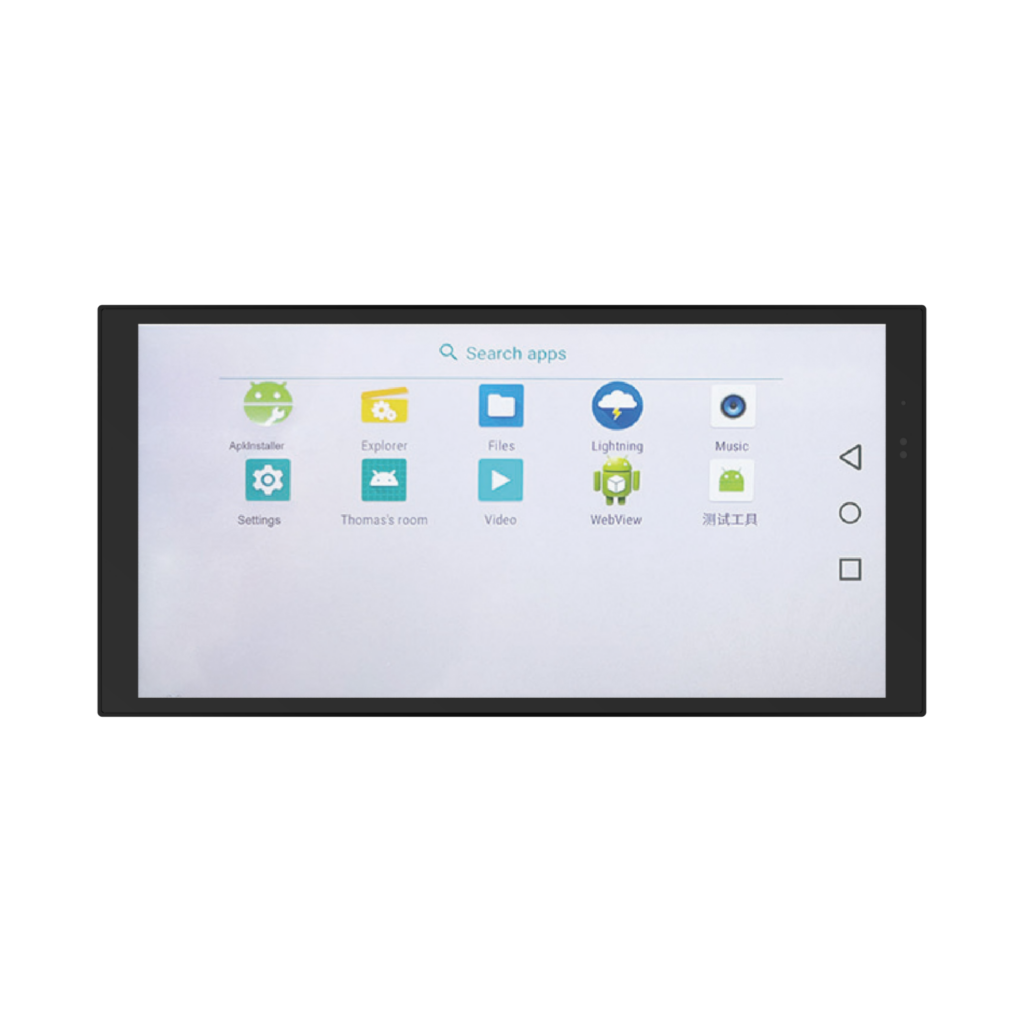
T7 Series
A 7-inch platform with a slim metal-frame design. Listed as a PoE / DC version with RS485 and an EU wall box, or as an AC 110–230 V version with built-in relay and an Asia wall box.
Choose it when: the wall finish matters and you want a slim metal bezel rather than plastic.
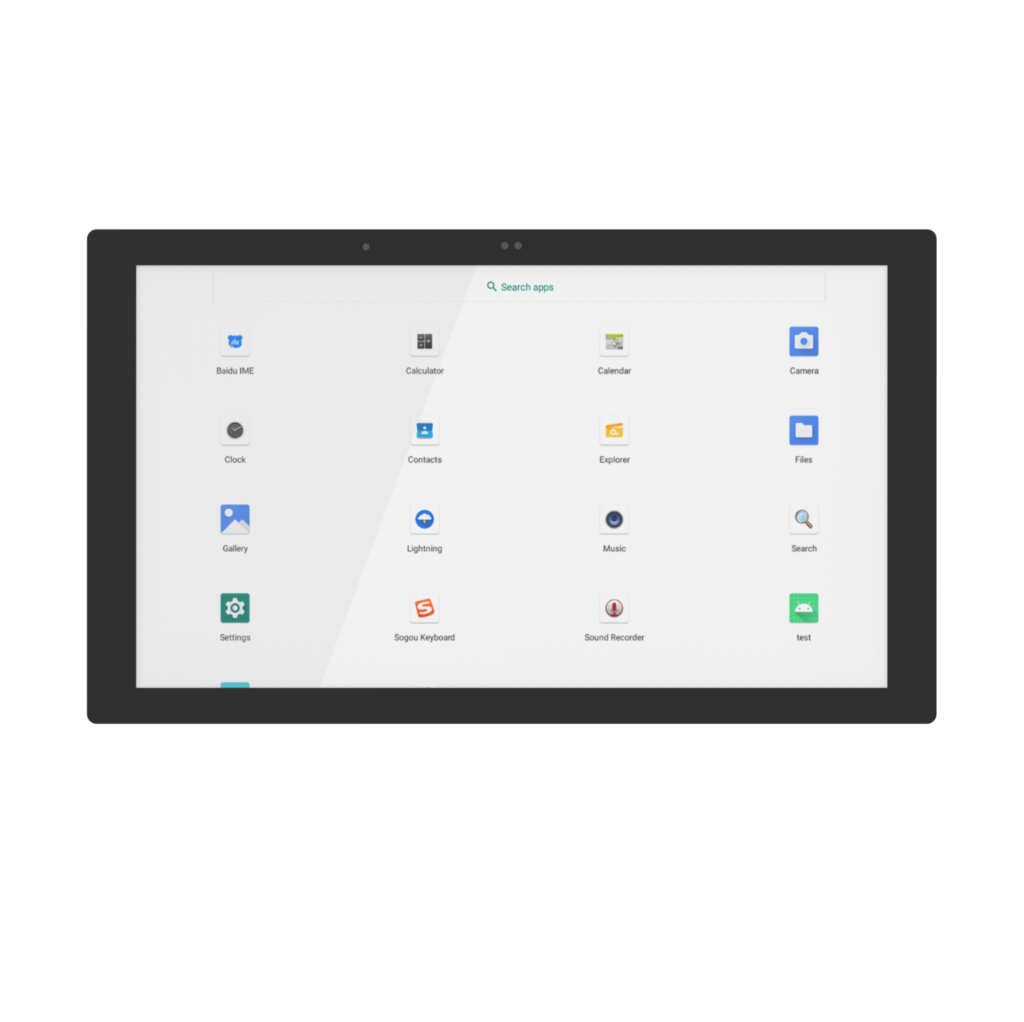
M7 Series
A 7-inch 16:9 platform designed for European wall-box installation, listed as a PoE / DC version with RS485 and an EU wall box.
Choose it when: your layouts are built at 16:9 and the site uses European boxes.
The 8, 10 and 13-inch platforms complete the ladder, and several series entries are listed as in development. Confirm availability and configuration for the exact model before you write it into a specification.
The Customization Depth Ladder
Customization is not one service, it is six rungs of increasing engineering effort. Ask how high a supplier will climb before you invest in a design brief, because most assemblers stop on the third rung.
Logo and UI only
Splash screen, boot animation, icon set, language pack and default home screen. Nothing behind the glass changes.
Time cost for you: days. No tooling, no re-test.
Most display-module assemblers stop hereEnclosure and front design
Bezel finish, front glass, silk-screen, knob and button placement, and the cut-outs that follow from them.
Time cost for you: weeks, because a new front usually means tooling.
Most open-frame panel makers stop hereMainboard and interfaces
Choice of board, which ports are populated, RS485 or dual Ethernet, and the protocol hooks your software stack needs.
Time cost for you: weeks to months, plus a software integration cycle.
This is the usual ceiling for a module assemblerWireless modules
Adding or swapping a wireless module inside the same enclosure, without touching the approved front design.
Time cost for you: weeks. Regulatory work travels with the module you choose.
Power architecture
Moving one front design between PoE / DC low voltage, AC 110–230 V with built-in relay, and DC 9–24 V. The page states it plainly: the same front design is available with different power architectures.
Time cost for you: weeks to months, saved again on every future project that reuses the face.
Mechanical structure
Wall box geometry for EU, Asia 86×86 or US bases, mounting depth, bracket and base design.
Time cost for you: weeks, and new tooling if the base itself is new.
Three Ways to Feed the Same Face
Power architecture decides your cabling, your bill of materials and which trades are on site. All three options below appear on the same platform family.
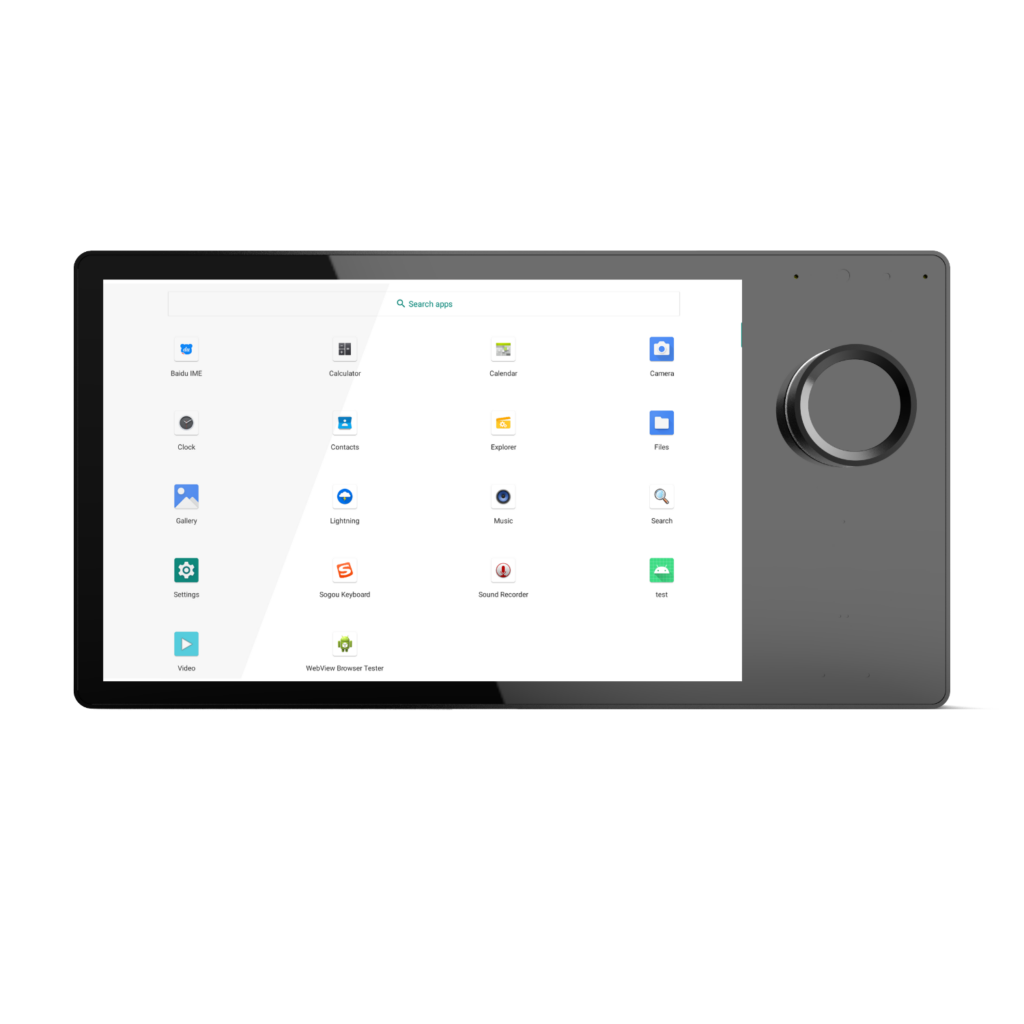
Mains power with built-in relay
The T8 series runs on AC 110–230 V with relay options and is listed with European, Asian and US installation-base choices.
Site implication: a mains feed and a load the panel can switch, with no PoE switch in the path. Buyer decision: confirm which relay and interface configuration your exact model carries.
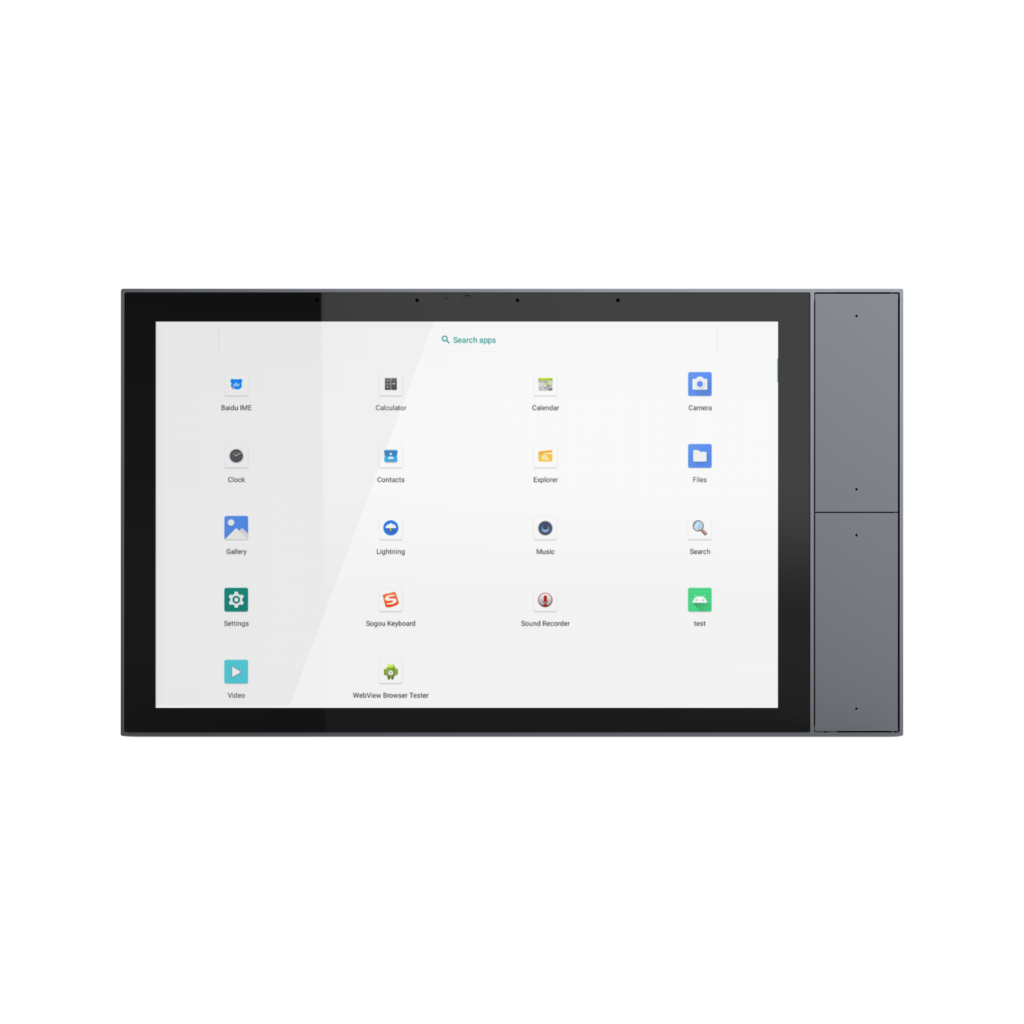
One cable for power and data
PoE / DC low-voltage platforms are listed across the S6, S8, T7, M7, S9 and T10 families, with RS485 on the PoE / DC versions.
Site implication: one cable run per panel and a simpler BOM. Buyer decision: check the PoE budget on the switch before you commit to a room count.
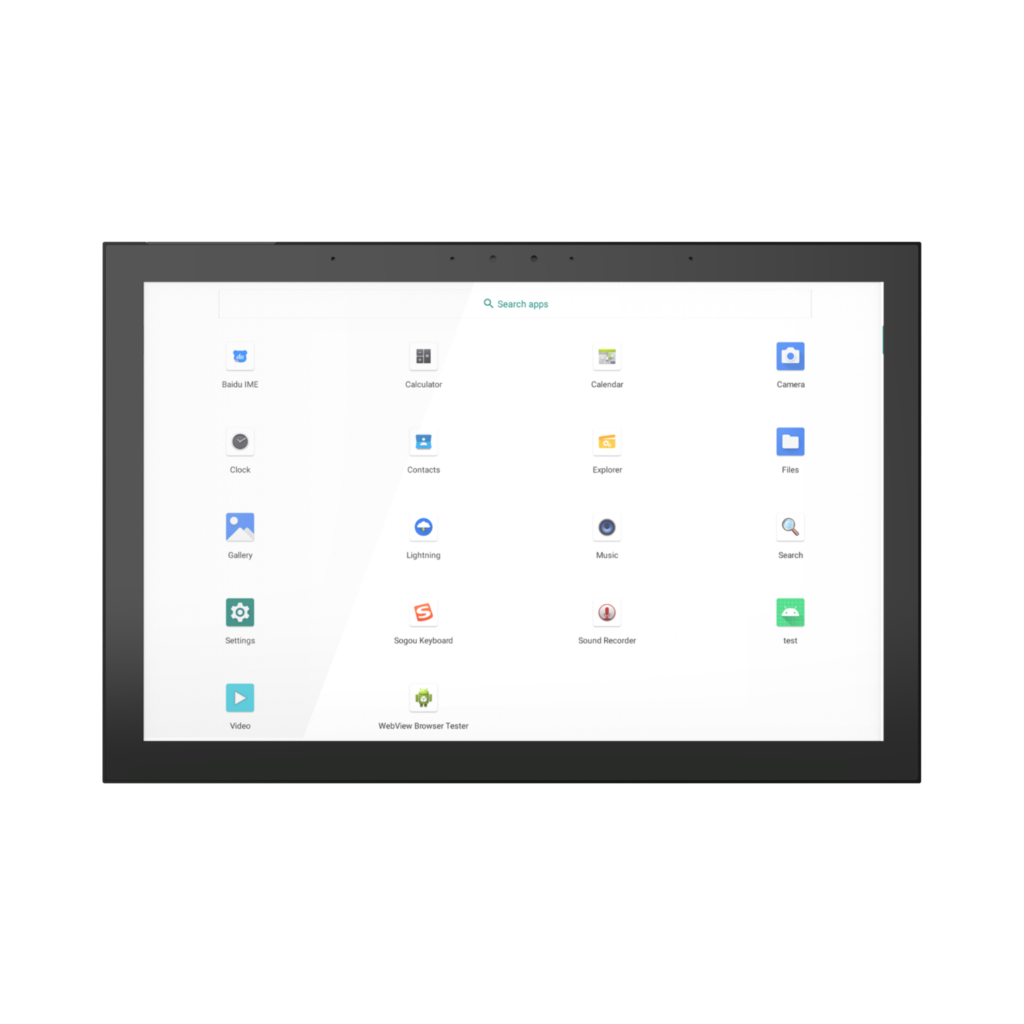
Low-voltage DC with dual Ethernet
A DC 9–24 V configuration with dual Ethernet is listed on the T10 family, alongside the standard PoE / DC and AC variants.
Site implication: two network paths and a low-voltage feed. Buyer decision: confirm availability and lead time, since this configuration is listed as in development.
Regional Installation Fit: The Base You Order Matters
A panel can be electrically perfect and still fail on site because the back of the device does not match the box in the wall. Confirm the standard before the quotation is fixed.
EU wall box
The European square box is the base for most of the PoE / DC range and for the panels designed specifically for European installation.
- S6PE, S8PE, T7PE, M7P, S9PE and T10PE are listed with an EU wall box
- M4P is described as designed for the EU market and European wall-box mounting
Asia 86×86 wall box
The 86 mm square is the Asian standard, and it is where the AC mains versions with built-in relay usually land.
- S6 Pro-NZ is listed with AC 110–230 V, built-in relay and an Asia 86×86 wall box
- S8E-NZ, S9E-NZ and T10RE are listed with AC power and an Asia wall box
US installation base
The US base is rectangular and shallower than the Asian square, so it is a mechanical change rather than a cable change.
- The T8 series is listed with European, Asian and US installation-base options
- Base choice is independent of the front design across the family
Project timeline risk: a wrong base is not a wiring problem, it is a tooling problem. It arrives after the panels are built, and it moves the enclosure, the bracket and the opening in the wall. Name the region and the box standard in the first request for quotation, even if the power architecture is still open.
Match the Scenario to the Specification
Read down the left column until you find your project, then take the specification in the middle column into the quote request.
| Scenario | What to specify | Why this decision holds |
|---|---|---|
| Hotel guest room on an existing PoE backbone, EU installation | 4-inch S6PE or 6-inch S8PE, PoE / DC with RS485, EU wall box | One cable per room and one front design that repeats identically on every floor. |
| Room control where users expect a physical dial | S8 series rotary-knob screen, or T8 series with a rotary knob plus two touch buttons | The control surface is part of the specification, not an afterthought — both are listed with physical controls on the same platform. |
| Retrofit with no PoE infrastructure and a load to switch | T8 series in AC 110–230 V with relay options and the base your site uses | Mains power and relay control sit in the panel, so the electrical design does not have to grow around it. |
| Corporate wall running your own application | 7–10-inch Android or Linux platform, 16:9 where the layouts demand it, EU or US base | The platform is built for customer-developed applications, UI and ecosystem logic, so the software layer stays with you. |
| Large-format commercial or industrial wall | 13-inch T13 series platform, large-format configuration | Confirm availability and the relay or interface configuration first — the series entry is currently listed as in development. |
Send These Eight Details for an Accurate Quote
Suppliers can only quote a configured platform when they know the configuration. These eight answers turn a generic price list into a comparable offer.
- Target display size — 4, 6, 7, 8, 10 or 13 inch — and how far the user stands from the panel.
- Power available on site: PoE / DC low voltage, AC 110–230 V, or DC 9–24 V.
- Wall box standard and region: EU wall box, Asia 86×86, Asia, or US base.
- Operating system and application stack: Android or Linux, and who maintains the image.
- Wired interfaces required: RS485, dual Ethernet, relay control, or a combination of them.
- Who owns the front design and the UI, including any logo, icon or home-screen work.
- Target markets, the documentation each market needs, and the installation base that implies.
- Annual volume, first-order quantity, and how far up the customization ladder you need to go.
Send the list, get a configured answer
Share the eight details and your project can be matched to a platform that already exists, instead of being quoted against a panel that has to be invented.
OEM and ODM requests are welcome — changes to the mainboard, interfaces, wireless modules, power architecture and mechanical structure are all part of the conversation.
Related Products
Keep adjacent product options together for a faster catalog comparison.
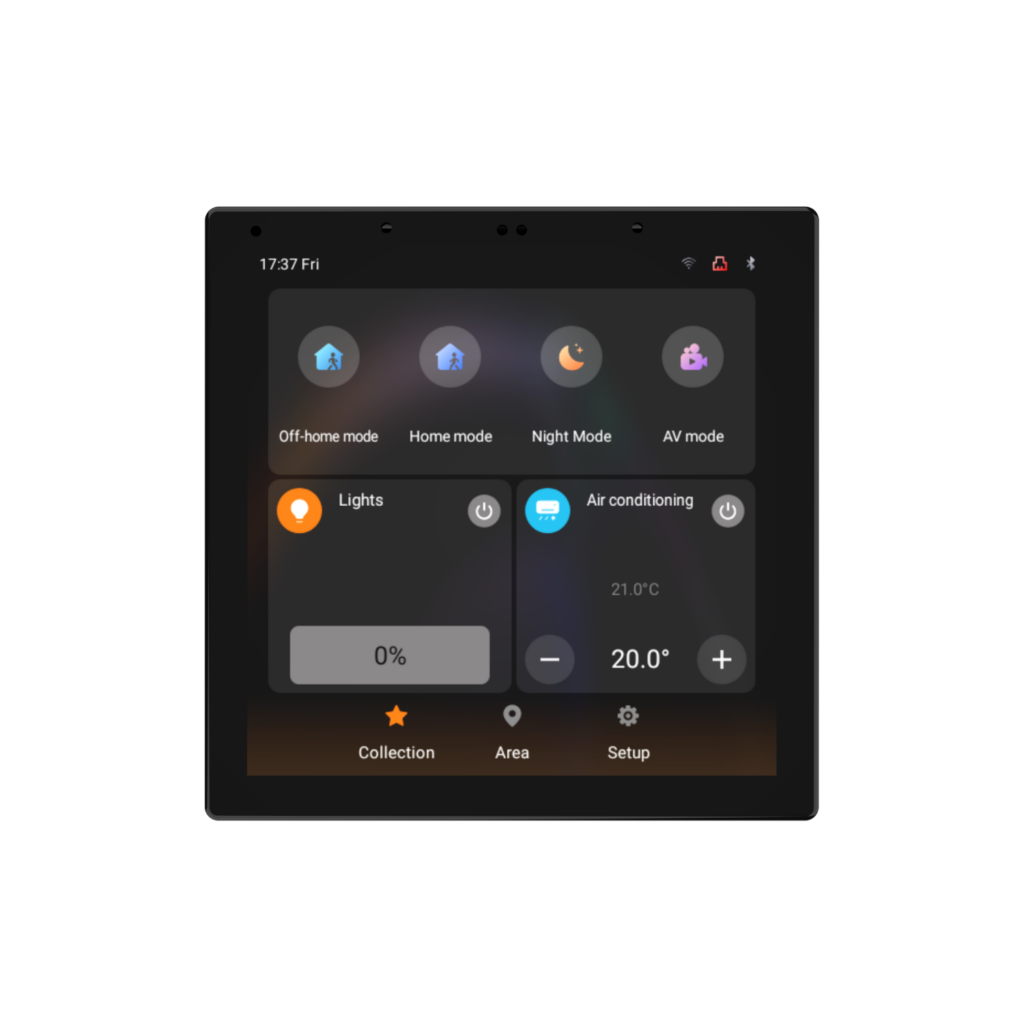
4” KNX Touch Panel
S6KE is a compact 4-inch certified KNX touch panel with Smatek software and ETS configuration for residential and commercial room control.
View product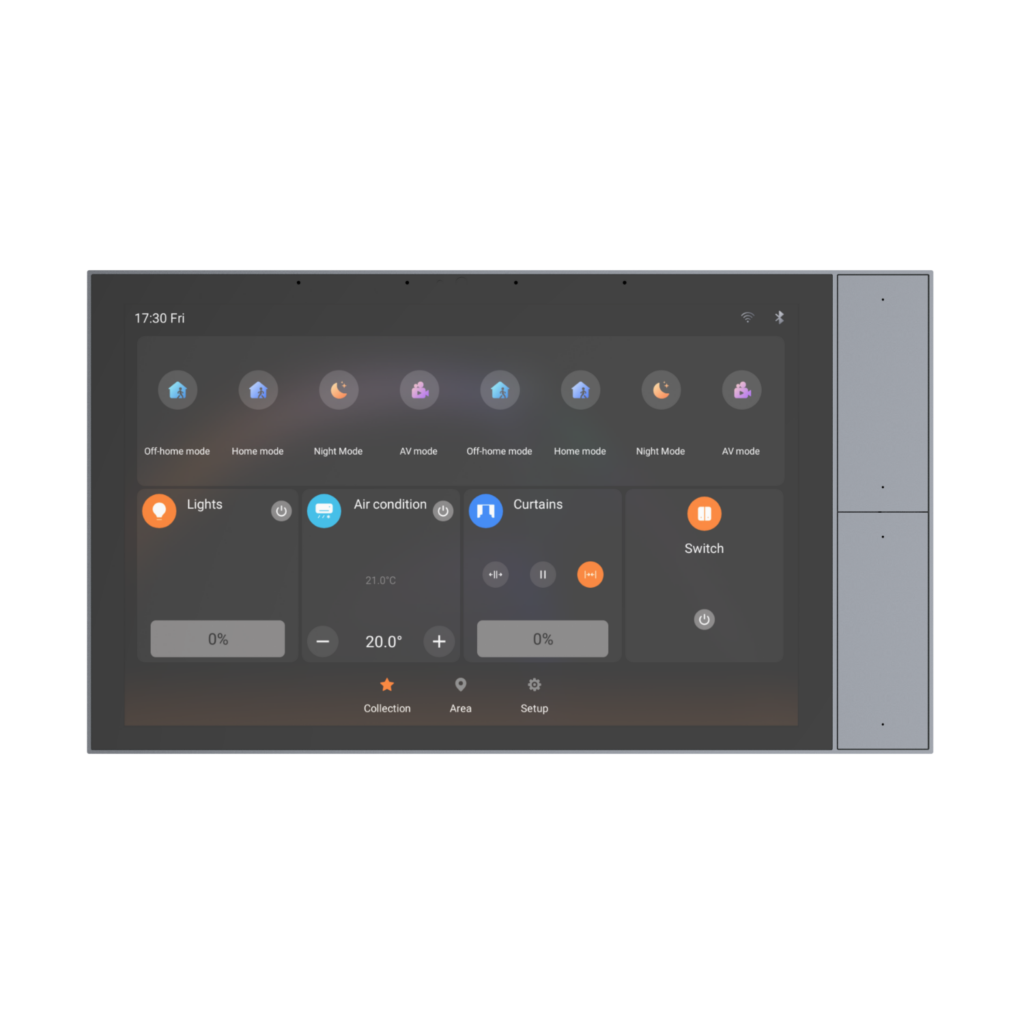
10” KNX Touch Panel with Side Buttons
S9KE is a 10-inch KNX Touch Panel with physical buttons and Smatek software and ETS configuration for residential and commercial KNX projects.
View product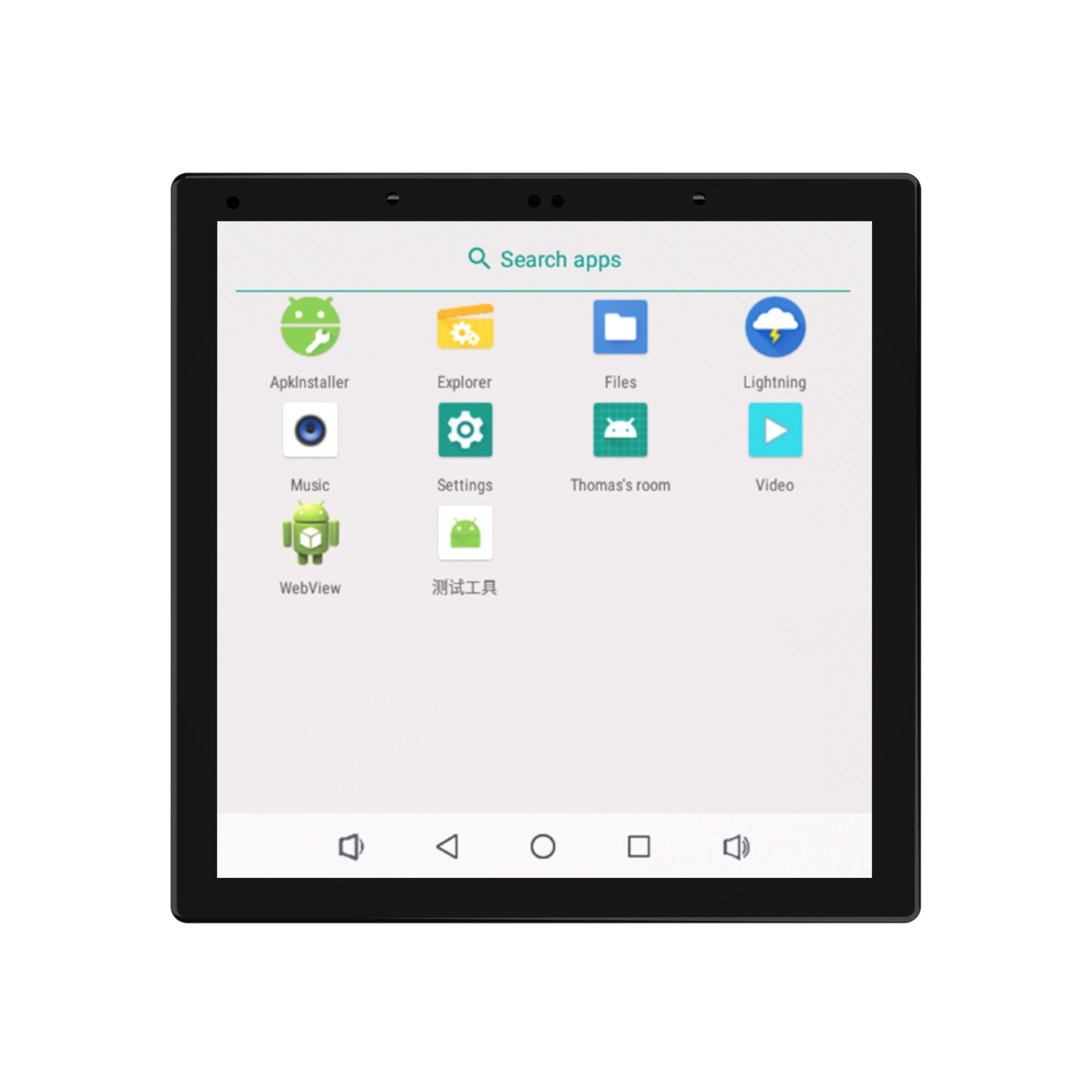
S6 Pro-NZ 4-inch AC-Powered Touch Panel with Relay Control
S6 Pro-NZ is a professional 4-inch smart home touch panel supporting Android/Linux. Features built-in relays for OEM/ODM home automation control panel projects.
View productFrequently Asked Questions
what does “touch panel manufacturer” actually cover?
the label covers four very different businesses: display-module assemblers that build a finished panel into a housing, open-frame makers that sell only the display and driver board, turnkey wall-panel manufacturers that own the platform, enclosure and installation base, and closed-ecosystem vendors whose panels only run inside one proprietary bus. ask which one you are talking to before you compare prices.
which display sizes are available?
the platform family lists 4, 6, 7, 8, 10 and 13-inch displays running android or linux. some series entries are marked as in development, so confirm availability for the exact model before you write it into a specification.
can one front design run on different power architectures?
yes. the same front design is offered with poe / dc low-voltage platforms, with ac 110–230 v versions that include built-in relay control, and with dc 9–24 v models. relay control and interface configurations vary by model, so confirm the exact variant you are quoting.
which wall box standards are supported?
eu wall box, asia 86×86, asia and us base options appear across the family. the t8 series is listed with european, asian and us installation-base choices, and the s6 pro-nz is listed with an asia 86×86 wall box.
how far does oem and odm customization go?
support covers changes to the mainboard, interfaces, wireless modules, power architecture and mechanical structure — the upper rungs of the customization ladder — in addition to logo and ui work on the lower rungs. agree the scope model by model, because it determines lead time and tooling.
what should i send to get an accurate quote?
target size, site power, wall box region, operating system, required interfaces, ui ownership, target markets and annual volume. with those eight details a supplier can quote a configured platform rather than a generic panel, and you can compare every offer on the same basis.