
Product Catalogue
Explore Smatek’s standard touch panel platforms and product options.
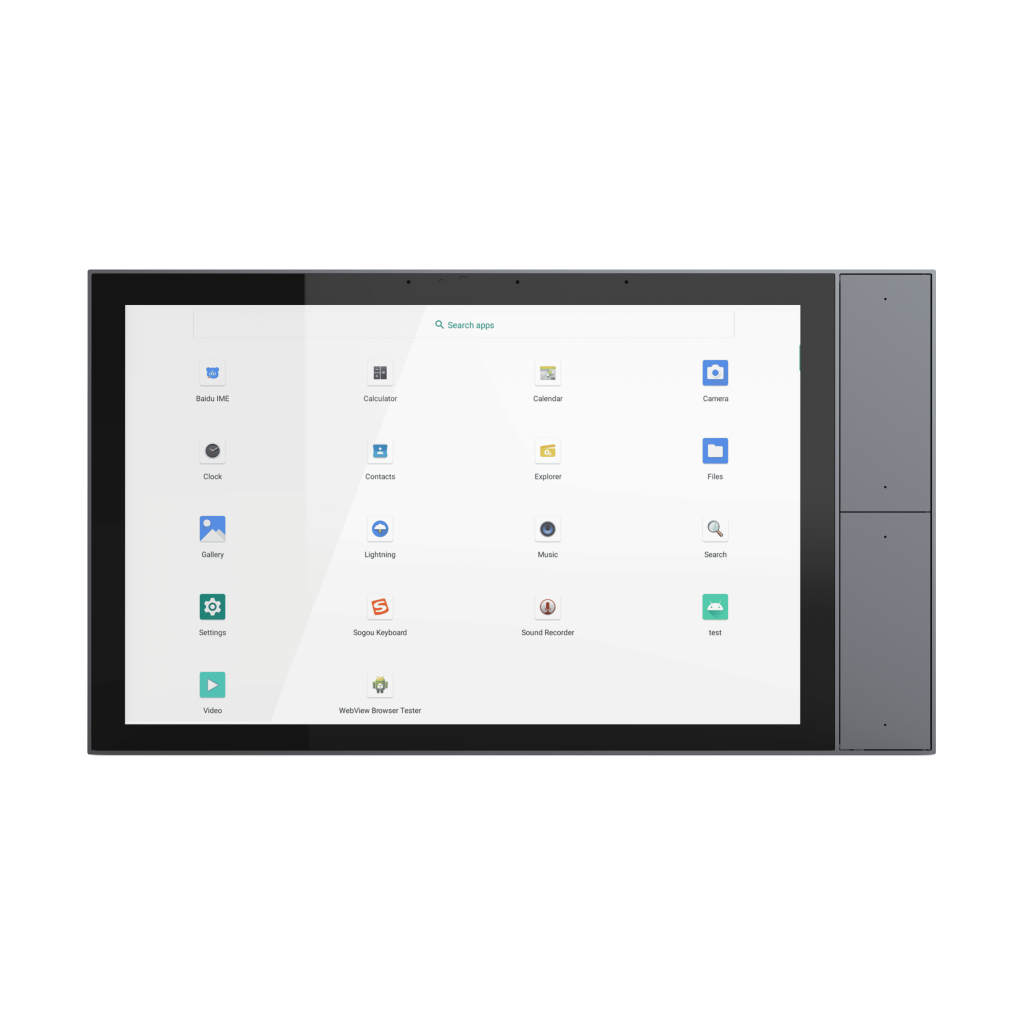
KNX-TP HARDWARE PLATFORM
S9KE-TP is a 10” wall-mounted KNX TP hardware platform with four side-mounted physical buttons, designed for brands and solution providers developing their own KNX panel products. Its larger display provides more space for visual control interfaces, while the physical buttons offer an additional interaction method for frequently used functions.
KNX TP hardware platform for customer-developed products.
Need a ready-to-use 10” KNX panel? Explore the standard S9KE.Software Platform
Smatek provides the touch panel hardware and an NCN5130-based KNX TP communication base. The base connects to the mainboard through a serial interface, while your team develops the application, UI and KNX stack according to its own product architecture. The four side-mounted physical buttons provide an additional input method for the customer-developed interface. Their functions can be integrated according to the product requirements and software implementation.
Your team retains control of the application, UI, and KNX logic.Key Specifications
Core hardware specifications for initial platform evaluation.
Resources
Explore Smatek’s standard touch panel platforms and product options.
Need drawings, API documents or additional technical files?
Request Technical FilesFAQ
S9KE-TP is a hardware platform for customers developing their own application, UI and KNX stack. The standard S9KE includes Smatek KNX software and ETS configuration files for ready-to-use deployment. The two models use different KNX base architectures and are intended for different product routes.
The customer develops the application, UI and KNX stack. Smatek provides the touch panel hardware and the KNX TP communication foundation.
Yes, the S9KE-TP supports KNX TP communication through the NCN5130 interface, enabling seamless integration into your existing KNX-based automation setups. Its compatibility with Android 11 or Linux also allows versatile software integration for your home automation control panel.
Our panel incorporates four customizable physical side buttons providing alternative input methods alongside the capacitive touchscreen. This combination improves usability and allows tailored control functions for your touch screen android or Linux applications.
We offer hardware adaptations including enclosure design, wall-mounting structure, branding, mainboard configuration, power input, and communication interfaces. This flexibility supports your development of a tailored smart home touch panel that fits precise project requirements.
S9KE-TP is supplied as a customer-development hardware platform. The applicable conformity-assessment and certification route should be evaluated according to the final product configuration, software implementation and project scope.
The S9KE-TP housing is constructed from durable PC plastic, suitable for wall-mounted installations across EU, Asian, and US wall-box standards. This choice ensures robust protection while maintaining compliance with industry installation norms.
Share your software environment, preferred installation method and hardware requirements. We will help identify the most practical platform direction for your project.