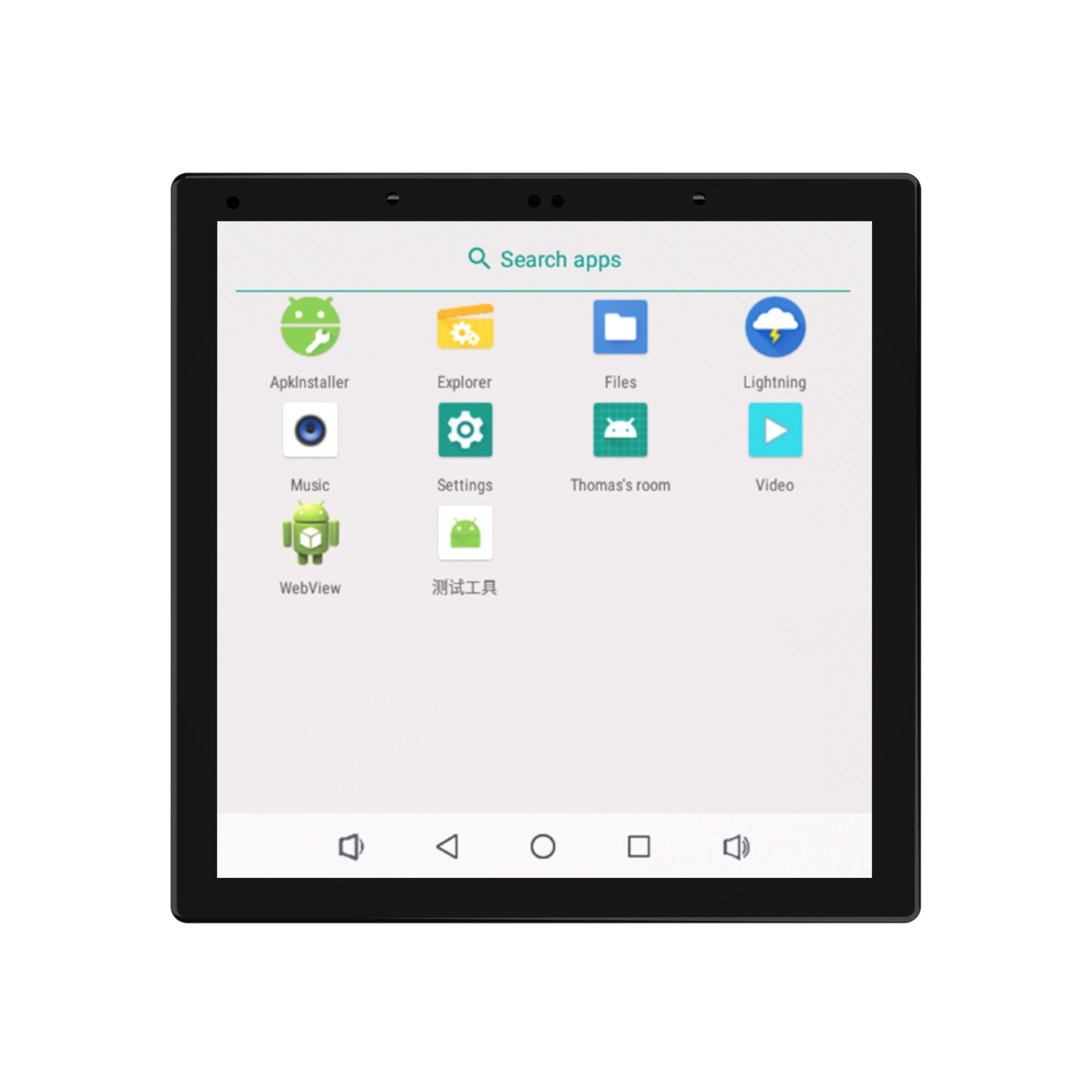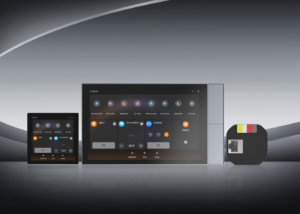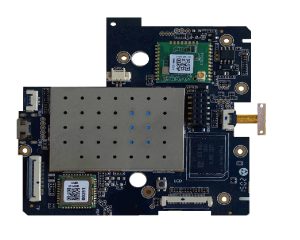
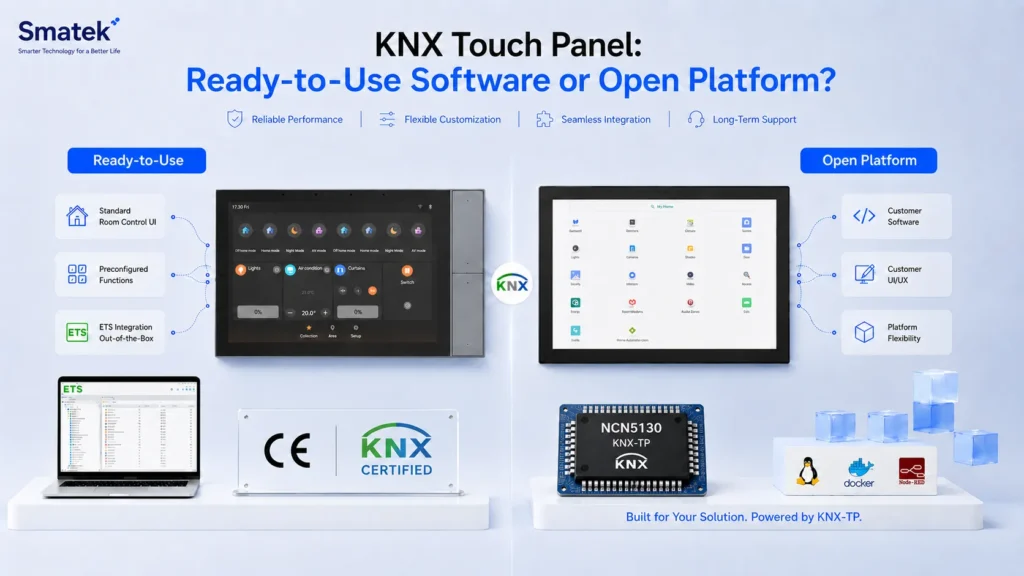
KNX touch panels can follow different product directions depending on the customer’s development model. Some customers need a ready-to-use wall-mounted KNX interface with standard control software and ETS configuration files. Other customers already have their own KNX software, UI, or building automation platform, and only need an open hardware base with KNX TP communication support.
This distinction is important. A KNX touch panel with built-in software and a KNX-TP open platform may look similar from the outside, but they serve different types of customers and projects.
This article explains the difference between ready-to-use KNX touch panels and open KNX-TP hardware platforms, and how product teams can choose the right direction.
Why KNX Touch Panels Have Different Development Models
KNX projects are not all the same.
Some system integrators or project customers want a panel that can be configured and used as a standard KNX room-control interface. They expect the supplier to provide the software layer, common control functions, and ETS-related configuration support.
Other customers are product brands or technology companies with their own software development capability. They may already have a KNX stack, a visualization platform, a cloud service, or a dedicated UI design. For these customers, a fixed ready-to-use software interface may not be suitable. They need a hardware platform that can support their own software and system logic.
This is why Smatek supports two KNX touch panel directions:
- Ready-to-use KNX touch panels with Smatek KNX software
- KNX-TP open platforms for customer-developed applications
The right choice depends on whether the customer wants a finished KNX interface or a development-ready hardware platform.
Direction 1: Ready-to-Use KNX Touch Panels
Ready-to-use KNX touch panels are suitable for customers who want a standard KNX wall-mounted interface without developing the complete software layer from scratch.
In this direction, the panel includes Smatek KNX control software and ETS configuration files. It can be used for common room-control functions in residential, apartment, hotel, and commercial building automation projects.
Typical functions may include:
- Switch control
- Dimming control
- Tunable white lighting
- RGB lighting
- Curtain or blind control
- Air conditioning control
- Fresh-air system control
- Floor heating control
- Scene control
- Basic room-control visualization
This direction is useful when the customer wants to reduce software development work and use a more complete KNX panel solution.
For example, a project customer may need a wall-mounted KNX interface for lighting, curtains, HVAC, and scenes. If the standard Smatek KNX software can meet the project scope, a ready-to-use KNX panel may be the more efficient direction.
Direction 2: KNX-TP Open Platform
KNX-TP open platforms are intended for customers who want to build their own KNX software, UI, or system logic.
In this direction, Smatek provides the wall-mounted touch panel hardware platform and KNX TP communication base, while the customer develops or integrates the software layer. This is more suitable for product brands, automation companies, or software-driven customers that already have their own KNX development direction.
A KNX-TP open platform may be suitable when the customer needs:
- Customer-developed KNX software
- Customer-owned UI design
- Integration with an existing building automation platform
- A proprietary control logic or visualization layer
- A dedicated Android or Linux application
- More control over the user experience
- A hardware base for a branded KNX touch panel product
For these customers, Smatek’s role is not to provide a fixed end-user software interface. Instead, Smatek supports as a hardware platform partner, providing the panel hardware, system base, KNX TP communication direction, and customization path.
Ready-to-Use KNX Panel vs KNX-TP Open Platform
The table below summarizes the main differences between the two directions.
| Project Factor | Ready-to-Use KNX Panel | KNX-TP Open Platform |
|---|---|---|
| Software layer | Smatek KNX software included | Customer-developed or customer-integrated |
| ETS files | Provided for standard software direction | Depends on customer software model |
| UI control | Based on Smatek standard interface | Controlled by the customer |
| Development workload | Lower for the customer | Higher for the customer |
| Flexibility | Suitable for standard room-control needs | Suitable for customized software and ecosystem logic |
| Best for | Projects needing a ready KNX interface | Brands or developers with their own KNX direction |
| Platform role | More complete KNX panel solution | Hardware platform for customer development |
Neither direction is universally better. The right choice depends on the customer’s product model, software capability, project schedule, and desired level of control.
When to Choose a Ready-to-Use KNX Touch Panel
A ready-to-use KNX touch panel is usually more suitable when the customer wants a standard control interface and does not want to develop the software layer from the beginning.
This direction may be appropriate if:
- The customer needs a KNX room-control panel for project use
- Standard control categories can meet the application requirements
- ETS configuration files are needed
- The customer wants to reduce software development workload
- The project schedule is relatively short
- The panel will be used mainly as a standard room-control interface
For many building automation projects, this direction can be practical because it provides a more complete starting point.
However, customers should also evaluate whether the standard software can match their UI expectations, device logic, branding needs, and project-specific control scenarios.
When to Choose a KNX-TP Open Platform
A KNX-TP open platform is usually more suitable when the customer wants to control the software, UI, and system logic by themselves.
This direction may be appropriate if:
- The customer already has its own KNX software or stack
- The customer wants to develop a proprietary UI
- The panel needs to integrate into an existing ecosystem
- The product is intended to be sold under the customer’s own brand
- The customer requires special logic, workflows, or visualization
- The software architecture cannot be limited by a fixed standard interface
This direction gives the customer more flexibility, but it also requires stronger software capability. The customer needs to plan application development, KNX communication logic, UI design, testing, updates, and long-term maintenance.
Android and Linux Considerations
KNX touch panel projects may also involve Android or Linux system directions.
An Android-based KNX touch panel platform may be suitable when the customer wants to run an APK, build a rich graphical interface, or integrate with other Android-based applications.
A Linux-based direction may be considered when the customer wants a more dedicated system environment, a controlled runtime, a web-based interface, or a custom embedded application.
The choice between Android and Linux should be evaluated together with the KNX direction. A ready-to-use KNX panel and a KNX-TP open platform may have different software architecture requirements depending on the final product model.
Project Questions Before Choosing a KNX Direction
Before selecting a KNX touch panel direction, product teams should clarify several questions:
- Does the project need ready-to-use KNX software?
- Does the customer already have its own KNX software or stack?
- Who controls the UI and user experience?
- Are ETS configuration files required?
- Is the panel used for project installation or as part of a branded product line?
- Does the system require Android, Linux, or another software environment?
- What screen size and installation method are required?
- Are there special interface, power, or mechanical requirements?
- What certification or market requirements apply?
- Who will maintain the software after deployment?
These questions can help define whether a ready-to-use panel or an open platform is the more practical starting point.
How Smatek Supports KNX Touch Panel Projects
Smatek supports both ready-to-use KNX panel directions and KNX-TP open platform directions.
For customers who need a more complete KNX interface, Smatek can provide KNX touch panels with Smatek KNX software and ETS configuration files for common room-control functions.
For customers who develop their own software, Smatek can provide KNX-TP open platform options that allow the customer to build or integrate its own KNX application, UI, and system logic.
Depending on the project, Smatek can also support related customization discussions, including screen size, housing design, power architecture, interface configuration, installation structure, firmware preparation, branding, and production support.
The goal is to help customers choose the right KNX platform direction based on their project model, not to force every customer into one fixed product form.
After defining the KNX software direction, customers can further review Smatek’s KNX touch panel options, Android / Linux control panels, and OEM/ODM solution directions for more detailed platform selection.